We have all experienced mental burnout at one point or another due to the nature of online work. There is a universe of information at our fingertips, and it can feel like it’s constantly coming at us from every angle.
This mental burnout is avoidable, and it occurs due to a common misconception many of us have. Many of us believe we are expected to hold every bit of information we learn in our minds — to remember everything. As we have gained instant access to more and more information, the systems we operate by have become more complex. Can we realistically expect the human mind to keep pace with computers?
The most powerful personal tool I have learned about lately is the concept of keeping a master notes document. This is a single resource document that can be easily accessed (ideally with a single click), and is built and customized over time.
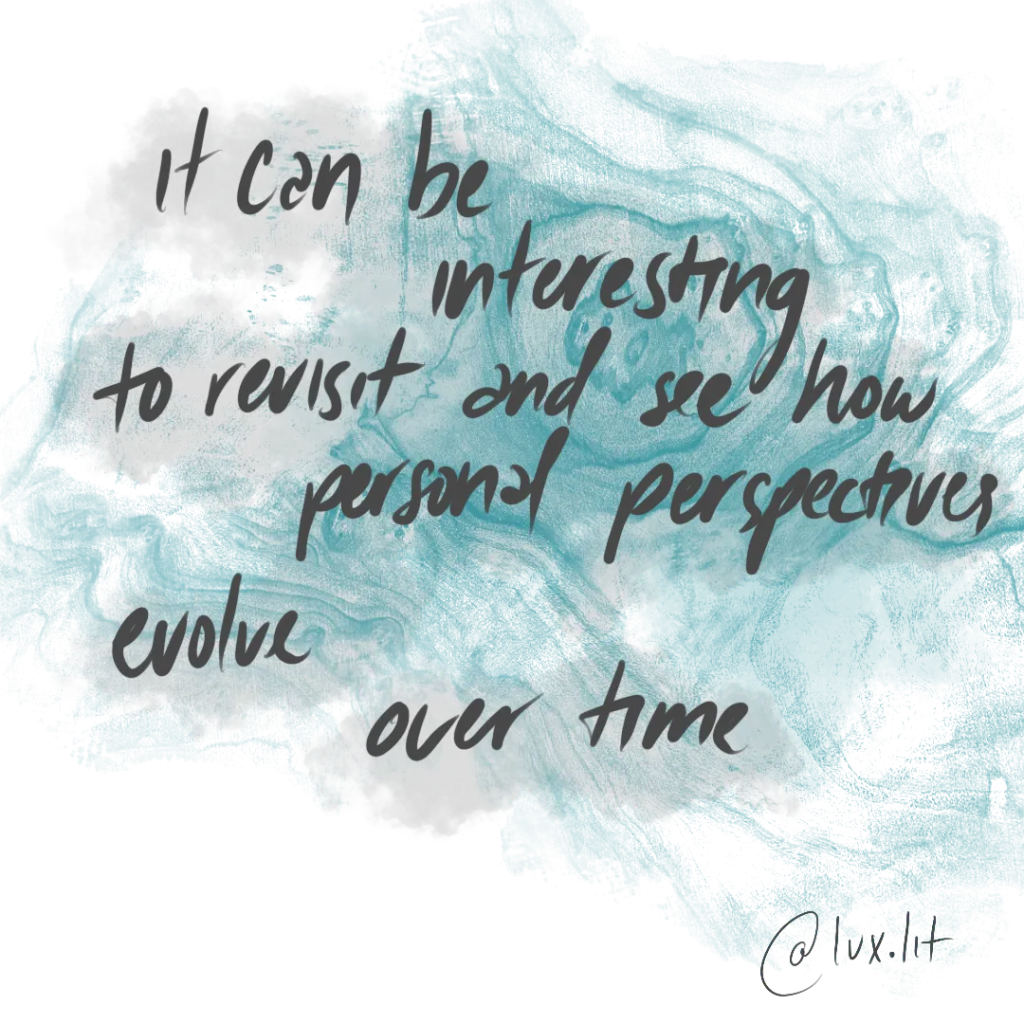
This document should be kept entirely private; it is a space where you can simply click and mind-dump any information you learn or hear about a topic. It can also be used to take notes about events, people, or situations. It can be interesting to revisit and see how personal perspectives evolve over time.
Looking back to when I was new at my previous job, the most helpful notes I took were the jargon terms — they never seemed to stop coming. Instead of interrupting in the moment to ask what they meant like I typically would, I decided to just type what I heard and the training would go on. Surprisingly, most of the terms were defined before I could even ask. And since I’d been noting everything, after I heard the definition once I never needed to ask again.
Even if the information you’re writing down does not make sense at the time, simply typing what you hear will help you clearly see where the gaps in your understanding are. This will help you know which questions to ask. Since the information will be saved in the document, you will have plenty of time to craft your questions so that they are concise and get to the root of any misunderstandings you have.
If you use chat or email to ask these questions, you can simply copy and paste the answers into your document. I like to quote the answers and credit the person who provided the information in case I have questions about what they said in the future. Folks tend to feel quite flattered or impressed when you remember what they said a week or a month ago. By quoting it back to them and asking them more it shows that you respect and value their insight. Asking thoughtful questions is a wonderful and non-competitive way to build rapport.
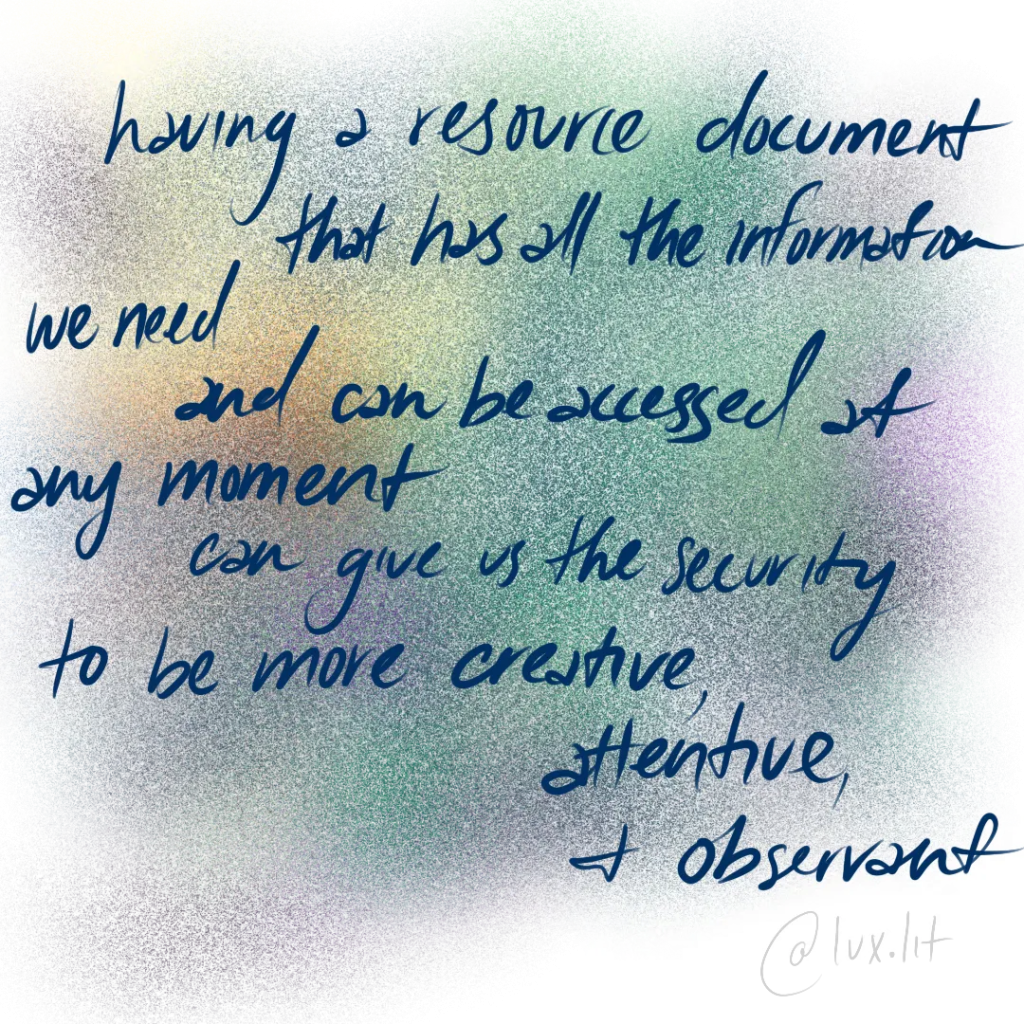
I touched on this concept in my post about Mental Hygiene: it’s unreasonable for us to expect ourselves to hold every bit of information we learn in our minds. Even if we tried our best to, it requires us to extend quite a bit of mental energy to hold onto the information. This means we’re sacrificing our access to other parts of our brain in those moments. Having a resource document that has all the information we need and can be accessed at any moment can give us the security to be more creative, attentive, and observant in our environment. It takes a lot of pressure off of the brain.
After a few months of keeping these notes and referencing/adding to them daily, I started to get a lot of recognition at work for being knowledgeable. At this time I did not tell anyone about my notes document, I just told them that I took lots of notes. Over time, I started to realize I had invested in my personal knowledge and that made me an asset to my team, which was cool, but mainly I felt so grateful to my past self for making my life so much easier than it would have been.
If you want to try this out, I definitely encourage you to. Please feel free to reach out to me to let me know how it goes, or ask any questions you have while setting it up. Of course you can use any app or document service that is easily accessible for you, Google Docs is ideal for me since I can access it on any device anywhere. I create a Google Doc and then bookmark it on my browser so that it can be reached with a single click. The name should be simple but not obvious to others, especially if you share your screen often or share your computer with someone you’d prefer not see it easily.
When writing your document, make sure you use terms that are easily searchable. They should be spelled the same way and used consistently if they are terms that refer to the same topic. Using Google Docs, you can click “ctrl + f” and search the document for these terms. The browser will automatically jump to each of these terms, you can hit enter to skip to the next one. In this way you can quickly find everything you have learned about that topic.
Editing and customizing the document will be an ongoing project as the document is referenced. It may be helpful for you to use different fonts, highlights, and colors to distinguish information types. Remember that it doesn’t matter how ugly the document is, since you’ll be the only person seeing it. The only thing that matters aesthetically is that you understand it and know how to find what you need.
Creating a Master Notes Doc was the best decision I made during my last role, and it completely changed the way I think and perform. It freed me up to help others, and equipped me to be more aware of my environment. It enabled me to communicate better: I only asked questions once usually, and I put effort into making sure those questions were relevant and concise. Overall, because of this tool, I was able to build rapport with my team, become a stronger employee, and help my team and neighboring teams grow.
Leave a Reply